Knowledgebase

Can I directly log in to the WebBuilder editor?

Yes, you can set a username and password within the WebBuilder.

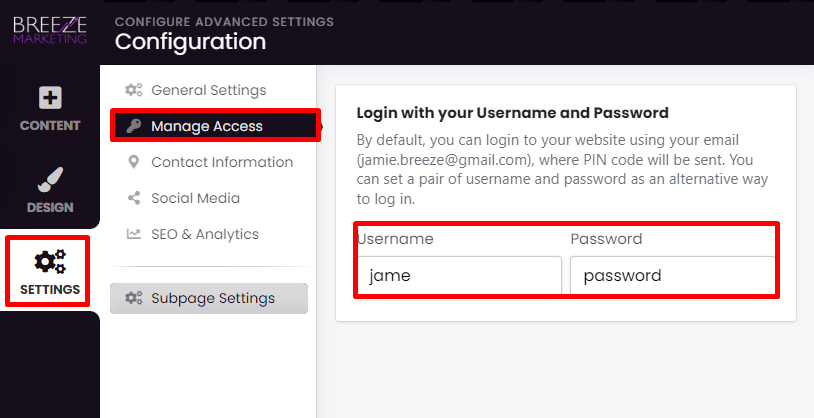
  1. From the left menu, click Settings, then Manage Access.
  2. Enter a Username and Password.


  3. You can now visit the link www.yourwebsite.co.nz/index.php?open=login
  4. Choose "Login with your Username and Password.
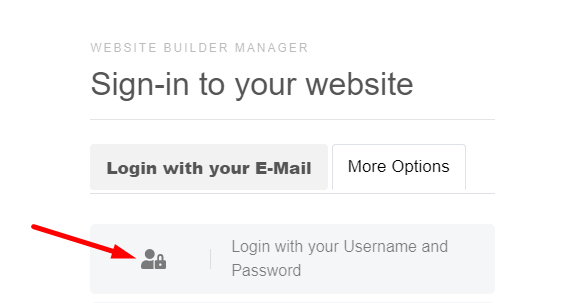


  5. Enter your Username and Password chosen in Step 2
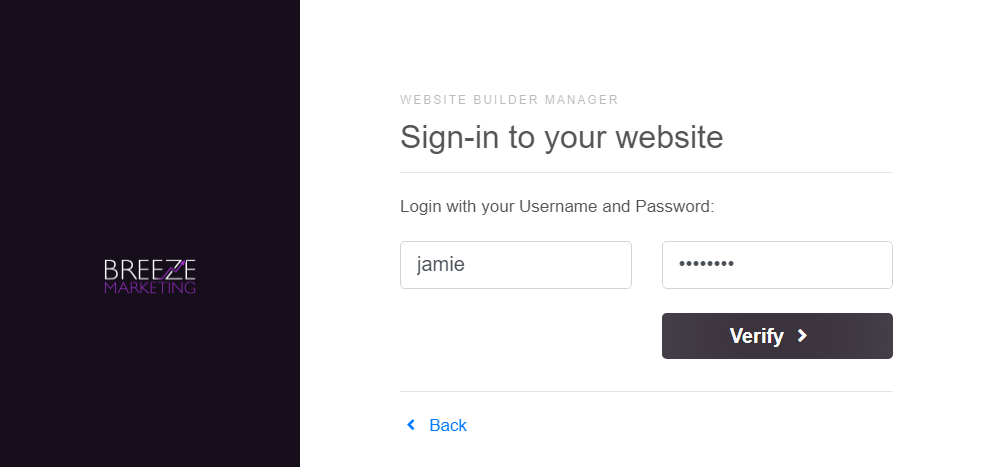


  6. Click Verify, you will be directed to the WebBuilder Editor.
  • 0 Users Found This Useful

Was this answer helpful?

Related Articles

How do I log back into my site from the Portal?

Head to the Client Area. Here you can see all of your Breeze Marketing Products. Under...

My Website shows Not Secure!

Don't panic! We don't charge any extra for SSL certificates. It may take up to 24 hours for our...

I'm using my own domain, purchased elsewhere.

If you already have a domain name and you have chosen to use this domain name in the setup...

How do I start the Breeze Marketing WebBuilder?

To start the WebBuilder follow the instructions in the video. To log into your portal, head to...

  Tag Cloud