Pointing an A record to our server will direct your main URL (www.mywebsite.co.nz) to our server. Any other services you have linked with your domain will continue to work as normal and any future services will be set up through your current domain name provider.
- Log in to your Domain Name Provider
- Navigate to manage your Domain DNS Settings
- Find your domain A-Records, it may look like (.mywobsite.co.nz or www.mywebsite.co.nz) followed by an IP Address, if you don't have an A-Record, just create a new one.
- Change or create the record (.mywobsite.co.nz) with the IP Address of 34.116.118.190
- Click Save
You will also need to make sure your website comes up when someone uses www.mysite.co.nz
The best way to do this is to setup a CNAME record so anyone who types in www.mysite.co.nz will get directed to mysite.co.nz
- Navigate to manage your Domain DNS Settings
- Find your domain CNAME-Records
- Look for one what says www and the record value is mysite.co.nz (if it's not there, create it)
- Click Save
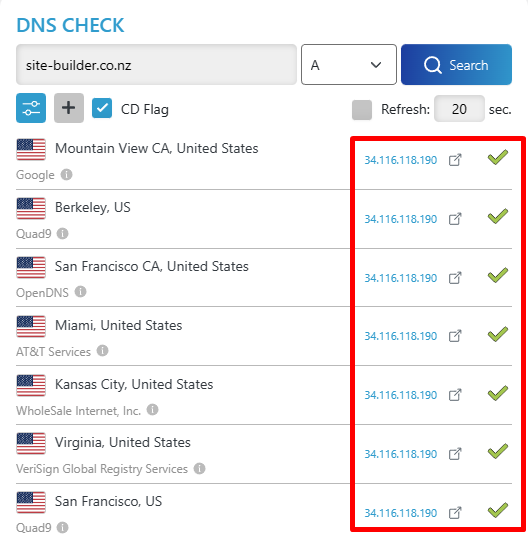
It may take a while for the domain to fully point towards our server, to check you can head to https://dnschecker.org/ and type in your domain and you should get the same result as below.